> ## Documentation Index
> Fetch the complete documentation index at: https://docs.qontext.ai/llms.txt
> Use this file to discover all available pages before exploring further.
# Changelog
> Product updates, improvements, and API changes
## File version history
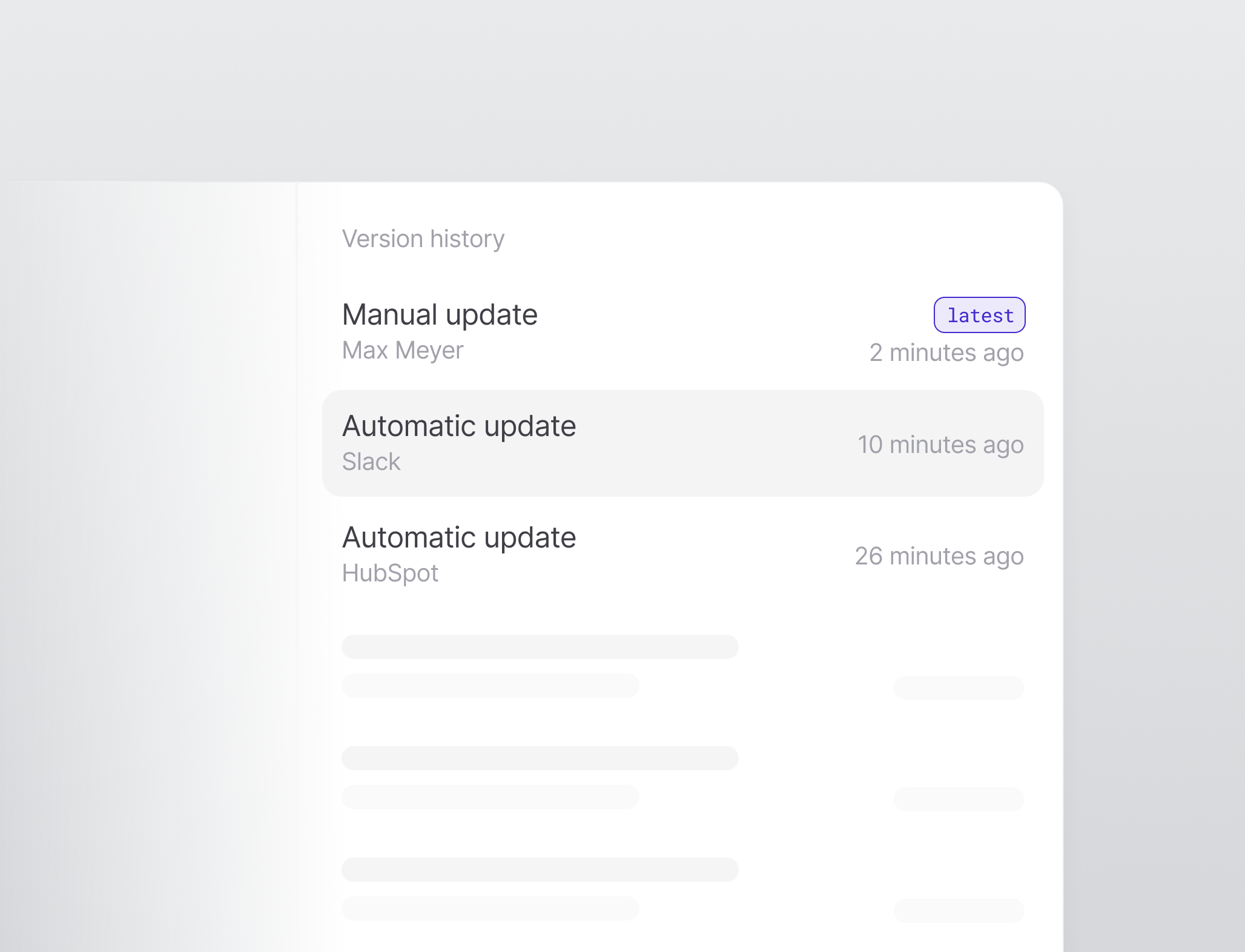 Every file in a context repository now keeps a version history, shown in the file sidebar. Each version lists its source, so connectors like Slack or Notion are named directly, while manual, MCP, and API-key updates appear as a workspace member. [Learn more](/features/version-history).
## MCP server access with API keys
The Qontext MCP server now accepts API keys in addition to OAuth. Clients connect by sending an `X-API-Key` header, and all MCP tools work for API-key callers. [Learn more](/interfaces/MCP).
* **MCP client usage logs**: MCP client details now include a Usage Logs tab showing past retrievals.
* **Member file deletion**: Workspace members can now delete any file in the workspace, not only files they created.
* **Editor blank lines**: The editor no longer shows blank lines as empty paragraphs.
* **Delete errors**: Deleting a file or folder without permission now shows a clear message instead of a generic error.
* **Longer sessions**: MCP sessions stay connected instead of expiring after a few minutes.
* **Multiple workspaces**: Fixed MCP tool calls failing for users who belong to more than one workspace.
## File and folder management
Folders can now be created and deleted directly in the file tree, including from its empty state. Files can be renamed, removed, moved, and dragged between folders. [Learn more](/context-repository/ui).
## Website source filters
Website data sources now show the Single Page and Deep Crawl options in their Filters tab, matching the other connectors. [Learn more](/sources/website).
* **Unsaved changes guard**: Leaving a file with unsaved edits now prompts before discarding, and drafts are kept so they survive a refresh.
* **File paths in usage logs**: API key usage logs now show file names, with the full path on hover.
* **Saving files**: Saving a file no longer removes blank lines.
## Create and edit files
Files can now be created directly from the file tree. The editor adds a slash command for inserting tables, headings, lists, and code, and links to other files can be added by searching for them inline. [Learn more](/context-repository/ui).
## Website source details
Website data sources now have a Details page, and any source can be enabled or disabled from it. [Learn more](/sources/website).
* **API key usage logs**: API keys now have a Usage Logs tab showing how each key has been used.
* **Loading states**: Smoother loading and empty states for the file tree and data sources.
* **Legacy tabs removed**: The legacy Vaults and Credentials tabs were removed.
## Safe concurrent edits
Writes to a context repository now go through a merge queue. When two changes to the same file happen at once, they merge automatically if they do not overlap, and are flagged for review if they do, so simultaneous writes can no longer corrupt a contextbase.
## Inline source filters
The Filters tab on each data source now has a working editor for Google Drive, HubSpot, Notion, Slack, and Confluence sources.
* **Visual polish**: New file and folder icons, and more consistent page spacing.
* **`hybrid_search` tool**: New tool for retrieving context from a workspace.
## Edit files in the UI
Every file in a context repository now keeps a version history, shown in the file sidebar. Each version lists its source, so connectors like Slack or Notion are named directly, while manual, MCP, and API-key updates appear as a workspace member. [Learn more](/features/version-history).
## MCP server access with API keys
The Qontext MCP server now accepts API keys in addition to OAuth. Clients connect by sending an `X-API-Key` header, and all MCP tools work for API-key callers. [Learn more](/interfaces/MCP).
* **MCP client usage logs**: MCP client details now include a Usage Logs tab showing past retrievals.
* **Member file deletion**: Workspace members can now delete any file in the workspace, not only files they created.
* **Editor blank lines**: The editor no longer shows blank lines as empty paragraphs.
* **Delete errors**: Deleting a file or folder without permission now shows a clear message instead of a generic error.
* **Longer sessions**: MCP sessions stay connected instead of expiring after a few minutes.
* **Multiple workspaces**: Fixed MCP tool calls failing for users who belong to more than one workspace.
## File and folder management
Folders can now be created and deleted directly in the file tree, including from its empty state. Files can be renamed, removed, moved, and dragged between folders. [Learn more](/context-repository/ui).
## Website source filters
Website data sources now show the Single Page and Deep Crawl options in their Filters tab, matching the other connectors. [Learn more](/sources/website).
* **Unsaved changes guard**: Leaving a file with unsaved edits now prompts before discarding, and drafts are kept so they survive a refresh.
* **File paths in usage logs**: API key usage logs now show file names, with the full path on hover.
* **Saving files**: Saving a file no longer removes blank lines.
## Create and edit files
Files can now be created directly from the file tree. The editor adds a slash command for inserting tables, headings, lists, and code, and links to other files can be added by searching for them inline. [Learn more](/context-repository/ui).
## Website source details
Website data sources now have a Details page, and any source can be enabled or disabled from it. [Learn more](/sources/website).
* **API key usage logs**: API keys now have a Usage Logs tab showing how each key has been used.
* **Loading states**: Smoother loading and empty states for the file tree and data sources.
* **Legacy tabs removed**: The legacy Vaults and Credentials tabs were removed.
## Safe concurrent edits
Writes to a context repository now go through a merge queue. When two changes to the same file happen at once, they merge automatically if they do not overlap, and are flagged for review if they do, so simultaneous writes can no longer corrupt a contextbase.
## Inline source filters
The Filters tab on each data source now has a working editor for Google Drive, HubSpot, Notion, Slack, and Confluence sources.
* **Visual polish**: New file and folder icons, and more consistent page spacing.
* **`hybrid_search` tool**: New tool for retrieving context from a workspace.
## Edit files in the UI
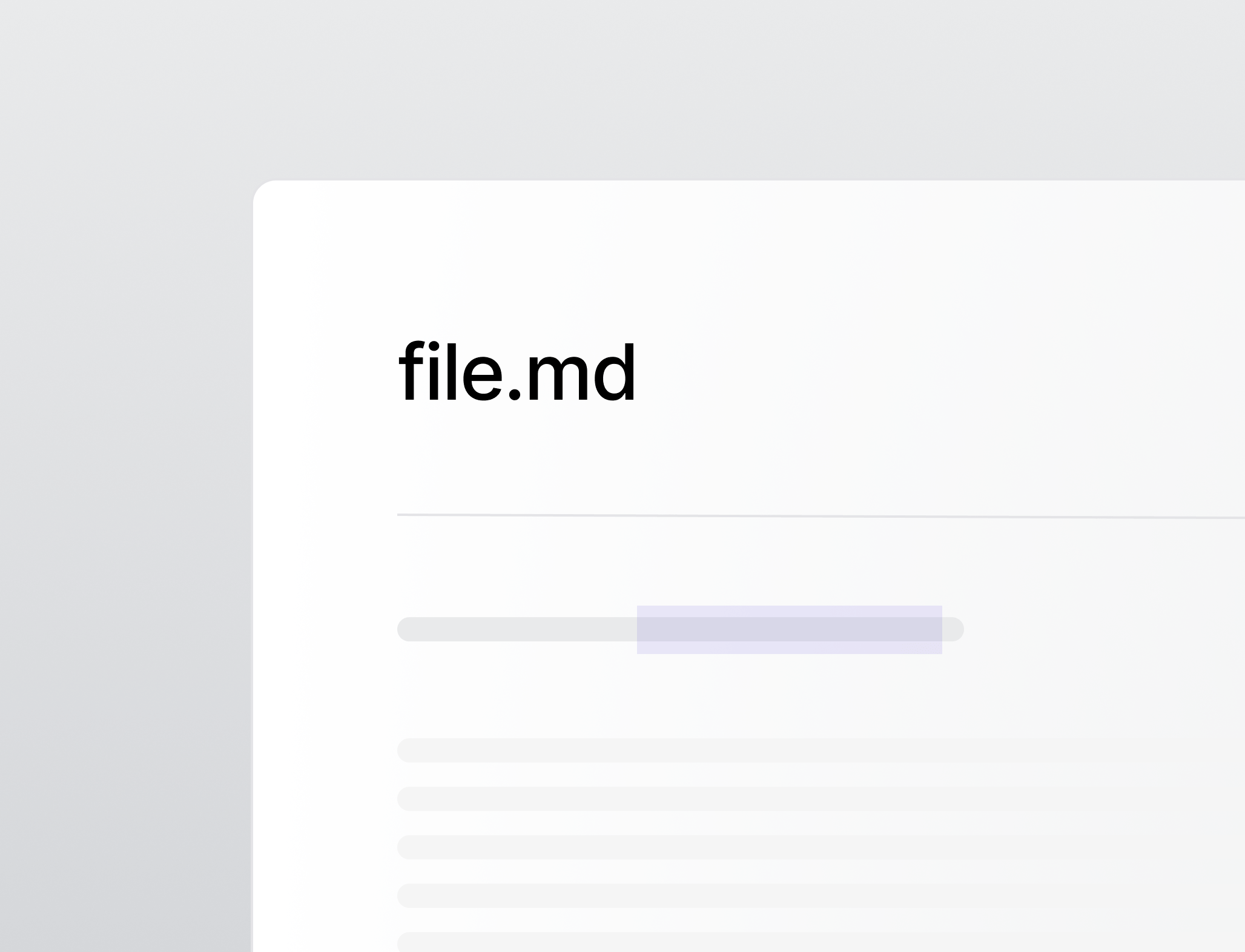 The file viewer is now a full editor. Files open in a markdown editor with a formatting toolbar and inline title editing, a message can be added when saving, and files can be deleted from the file detail page. [Learn more](/context-repository/ui).
## Sync history for data sources
The Syncs tab on a data source now shows a filterable history of past sync runs.
* **`qontext_mv`**: New tool to rename or move files.
* **`qontext_grep`**: New tool to search file contents.
## Markdown rendering
The file viewer now displays document frontmatter as a table instead of raw text, and renders Markdown tables properly.
## Context repositories
The file viewer is now a full editor. Files open in a markdown editor with a formatting toolbar and inline title editing, a message can be added when saving, and files can be deleted from the file detail page. [Learn more](/context-repository/ui).
## Sync history for data sources
The Syncs tab on a data source now shows a filterable history of past sync runs.
* **`qontext_mv`**: New tool to rename or move files.
* **`qontext_grep`**: New tool to search file contents.
## Markdown rendering
The file viewer now displays document frontmatter as a table instead of raw text, and renders Markdown tables properly.
## Context repositories
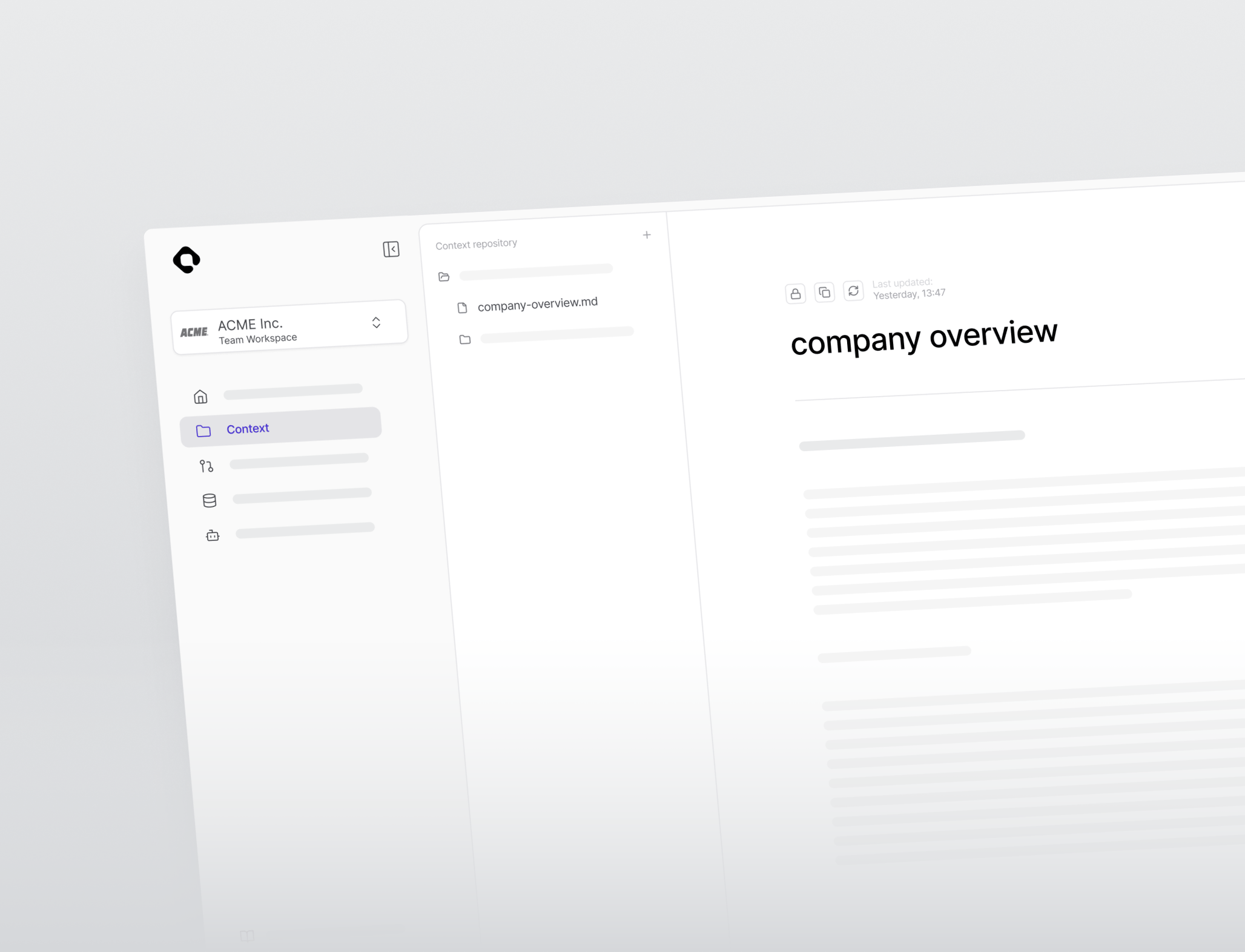 Qontext v1 introduces context repositories, a file-based view of all context in a workspace. A file tree and document viewer make it possible to browse and read every file, and the Context page is now the default view. [Learn more](/context-repository/overview).
## Per-file retrieval logs
Every file has a retrieval history showing when it was accessed and which MCP client or API key requested it. [Learn more](/features/retrieval-logs).
## API keys and MCP clients
API keys and MCP clients can now be managed from dedicated workspace pages, including creating and revoking keys and connecting MCP clients, with status and usage logs in one place.
## Workspace settings and user invites
Workspaces now have a dedicated settings area for managing the workspace name, URL, and members. Collaborators can be invited by email and assigned a role, and pending invitations can be revoked before they are accepted. [Learn more](/features/user-permissions).
## Workspace skills
Qontext v1 introduces context repositories, a file-based view of all context in a workspace. A file tree and document viewer make it possible to browse and read every file, and the Context page is now the default view. [Learn more](/context-repository/overview).
## Per-file retrieval logs
Every file has a retrieval history showing when it was accessed and which MCP client or API key requested it. [Learn more](/features/retrieval-logs).
## API keys and MCP clients
API keys and MCP clients can now be managed from dedicated workspace pages, including creating and revoking keys and connecting MCP clients, with status and usage logs in one place.
## Workspace settings and user invites
Workspaces now have a dedicated settings area for managing the workspace name, URL, and members. Collaborators can be invited by email and assigned a role, and pending invitations can be revoked before they are accepted. [Learn more](/features/user-permissions).
## Workspace skills
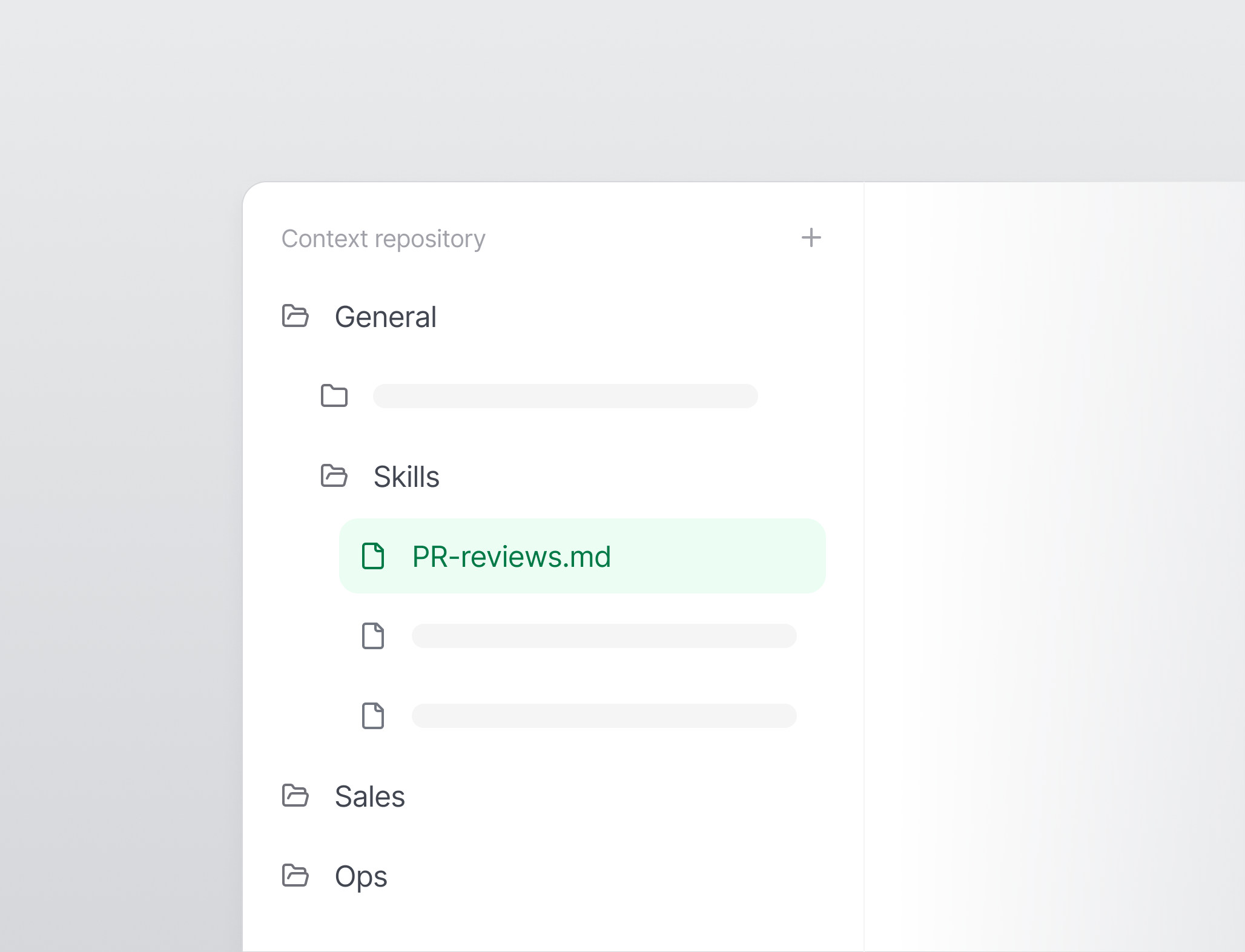 Skills can be installed and synced into a workspace through a CLI with a web-based approval flow. [Learn more](/features/skills).
* **Permission-aware controls**: Actions a user cannot perform are now disabled with a tooltip explaining why, and permission errors show a clear message instead of a generic failure.
* **File operations**: New `qontext_mkdir`, `qontext_write`, and `qontext_rm` tools let agents create folders, write files, and delete files.
* **`qontext_find`**: New tool to search for files.
* **Skills CLI**: New CLI to install and sync workspace skills.
Skills can be installed and synced into a workspace through a CLI with a web-based approval flow. [Learn more](/features/skills).
* **Permission-aware controls**: Actions a user cannot perform are now disabled with a tooltip explaining why, and permission errors show a clear message instead of a generic failure.
* **File operations**: New `qontext_mkdir`, `qontext_write`, and `qontext_rm` tools let agents create folders, write files, and delete files.
* **`qontext_find`**: New tool to search for files.
* **Skills CLI**: New CLI to install and sync workspace skills.