






Overview
With the Qontext Zapier integration, you can:- Retrieve structured context from Qontext and pass it into your Zaps
- Ingest new data from CRM, documentation, or external tools
Installation
1
Open the Invitation Link
Open the private app link: Qontext for Zapier
2
Accept the Invite
Click “Accept Invite & Build a Zap” to add Qontext to your Zapier account.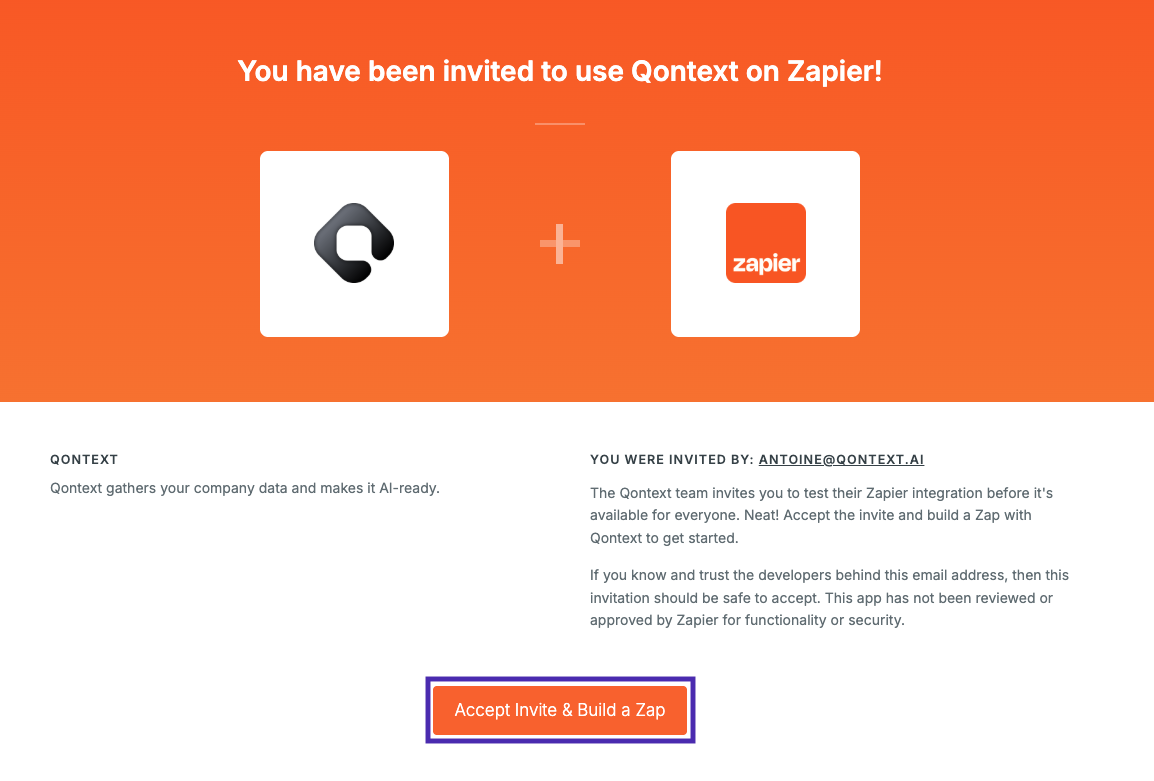
3
Authenticate
Authenticate using your Qontext API key when prompted.
Using Qontext in Zapier
Once connected, you can use Qontext actions in your Zaps:- Retrieve Context — Query your Context Vault and use the results in downstream actions
- Ingest Data — Send data from other apps into Qontext
Example Use Cases
- Slack → Qontext → OpenAI — Retrieve context based on a Slack message and generate a response
- HubSpot → Qontext — Automatically ingest new CRM records into your Context Vault
- Notion → Qontext → Email — Generate context-aware email drafts from documentation