Documentation Index
Fetch the complete documentation index at: https://docs.qontext.ai/llms.txt
Use this file to discover all available pages before exploring further.
With the Qontext n8n integration, you can:
- Build AI workflows that dynamically retrieve context from Qontext at runtime
- Create custom ingestion pipelines that send data from internal or third-party systems into Qontext
The verified Qontext node is available on both n8n Cloud and self-hosted n8n instances.
Installation
Create a new workflow
In your n8n dashboard, create a new workflow, select a trigger, and click + to open the Nodes panel.
Search for Qontext
Type Qontext in the search bar and select the node from the results.
Install the node
Click Install node in the node details panel.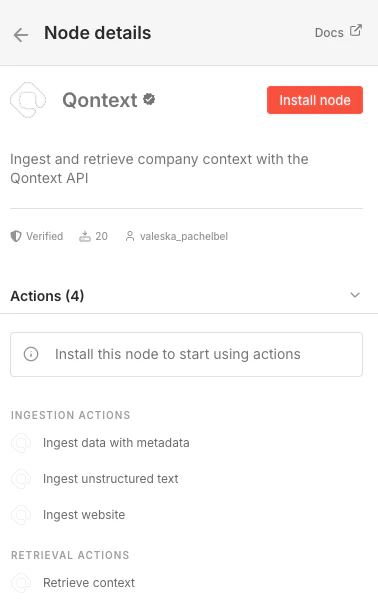
Choose an action
Once installed, select the action that fits your workflow, either context ingestion or retrieval.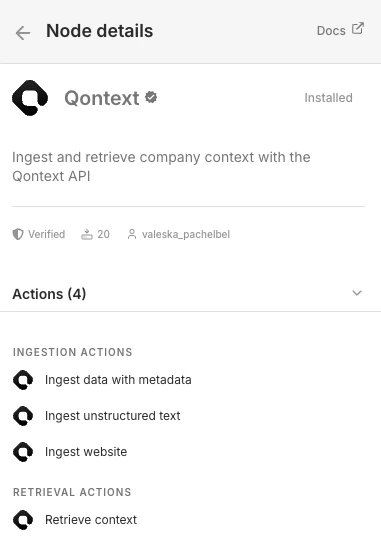
Set up your credentials
Create a new credential and enter your Qontext API key. You can create an API key in the Qontext platform under Context Access.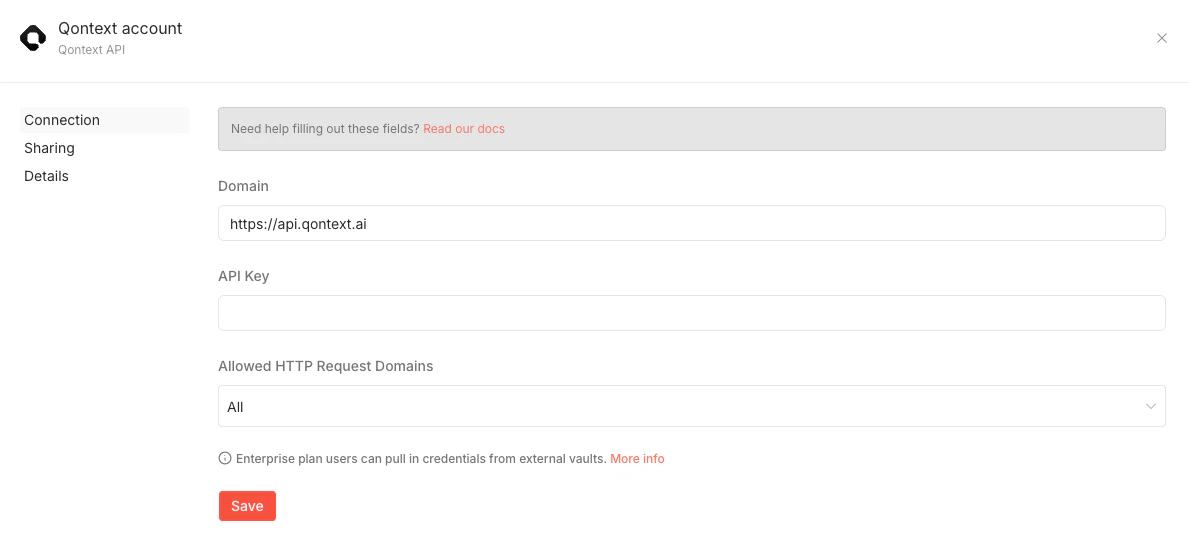
Using Qontext in n8n
Once you have installed the Qontext node and connected your credentials, you can reuse it in any scenario to ingest or retrieve context.
See the API Reference for details on ingestion and retrieval endpoints.
Need help?
If you need assistance setting up the n8n integration, reach out to support@qontext.ai.
