

Public API
Public API
Connect applications and workflows directly to a context repository with the Qontext API. Read, create, and update files, manage folders, and search the repository programmatically. Learn more.Qontext Tag in Slack
Qontext Tag
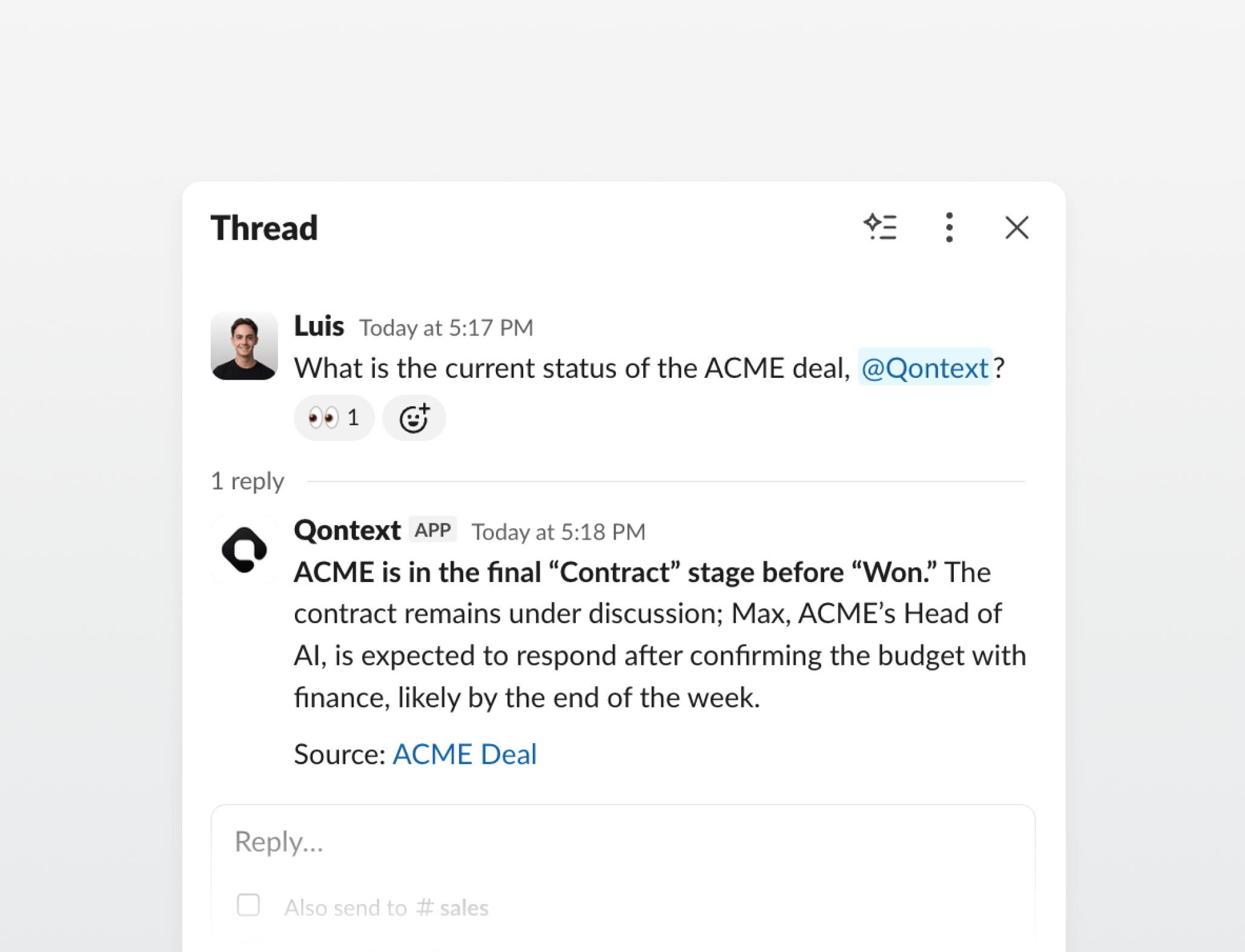
@Qontext in a channel or thread to get an answer where the conversation is already happening. Follow-up questions retain the thread context, and workspace admins can control which files and folders Qontext Tag can read. Learn more.Improvements
Improvements
- Context agents: Context agents can now use several capabilities in a single turn and reuse results from earlier turns instead of retrieving the same context again.
- Slack sources: Legacy message attachments are now included in syncs, and large channel histories are processed more reliably.
- Skills: Skills now flag when their folder name differs from the name in
SKILL.md, with guidance on how to align them.
Fixes
Fixes
- Continuous updates: Continuous update settings remain enabled while navigating between source pages.
- Context: Deleting the currently open file now returns to Context.
MCP server
MCP server
- File reading:
qontext_catnow accepts plain file paths such as/notes/plan.mddirectly. - Errors: Tool failures now return structured errors with stable codes and clearer recovery guidance.
Gong connector and improvements to sources and changes
Gong connector
Gong is now a supported data source. Connect Gong to sync structured call summaries into your context repository, including call details, participants, and linked CRM records. A configurable time window controls how much call history is included. Learn more.Improvements
Improvements
- Continuous updates: Continuous updates can now be enabled for each source after its repository structure is ready.
- Changes: Context agents now add clear summaries to file and structure changes, visible in change reviews and file history.
- File tree: The file tree refreshes faster when several folders are expanded.
Improvements to Context agents, files, and Salesforce
Improvements
Improvements
- Context agents: Follow-up messages can now be queued while a response is in progress and edited until they are sent.
- File viewer: Code blocks now use syntax highlighting, Mermaid code blocks render as diagrams with zoom and pan controls, and Markdown spacing is more consistent.
- File versions: Automated updates now show their data source, and version badges link to the corresponding change summary.
- Salesforce: Clearer connection setup and more reliable syncs for large Salesforce orgs.
Fixes
Fixes
- Change reviews: Long Markdown paragraphs now highlight only the changed words instead of the whole paragraph.
- Context agents: Chats now recover more reliably from expired sessions and app updates, without interrupting answers in progress.
Linear connector
Linear connector
Linear is now a supported data source. Connect a Linear workspace to sync its issues, projects, and documents into a context repository, so agents can retrieve the planning context behind the work: what is being built, why, and where it stands. Qontext only reads data, and access stays bounded by the connected user’s own Linear permissions. Learn more.Improvements
Improvements
- Access controls: An Everyone row in the file and folder access panel sets the access level for the whole workspace in one place.
- Access controls: Clearer warnings when an edit would lower someone’s access to a file or folder.
CLI
CLI
- Skills:
qontext skills addnow supports skills made up of multiple files, not only single-file skills.
See who made every change
Change attribution
Knowing that a file changed is only half the story. File version history and the Changes page now show who made each change, naming the workspace member, connector, or agent behind it, so every version and pending change carries its author. Learn more.Improvements
Improvements
- Editor: Folders can now be linked inside a file, the same as other files, and a link to a folder that no longer exists is flagged.
- Sources: After a source’s filters are changed, a dialog offers to run a full resync so the new filters take effect.
- Connection status: A banner now appears when the app loses its connection, instead of leaving the page in an unclear state.
Groups and continuous updates
Groups
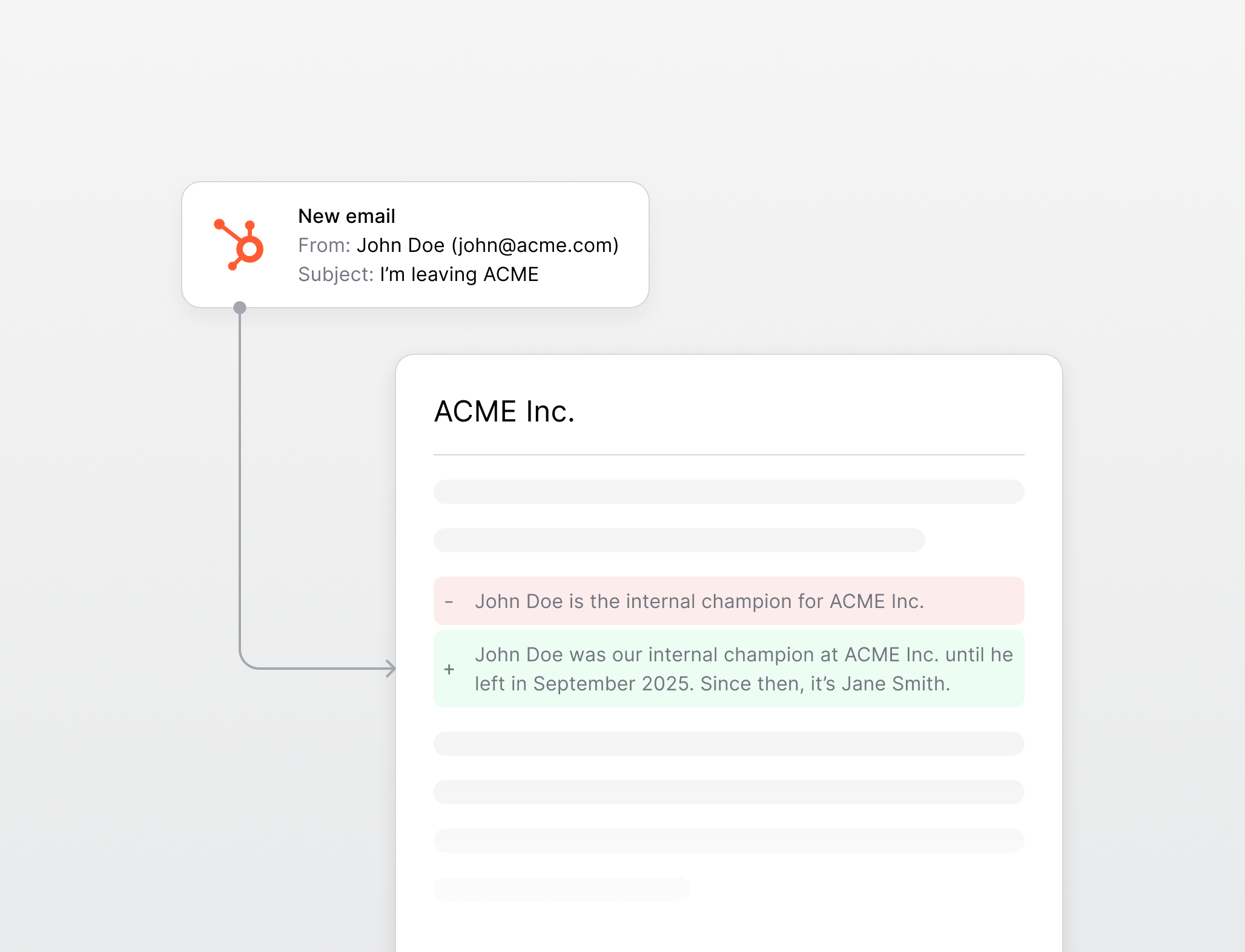
Managing access one member at a time does not scale. Groups are named collections of workspace members, created and managed in Settings, that can be granted access to a file or folder in one step from the access picker. Owners and admins can create, rename, and delete groups, and change a group’s members. Learn more.Continuous updates (Early access)
Fixes
Fixes
- Editor: Formatting is kept when pasting Markdown into a file.
- Editor: The raw Markdown editing mode is now available when creating files, not only when editing existing ones.
Context agents can ask questions, and live updates
Context agents can ask questions
A context agent no longer has to guess when a request is ambiguous. It can pause and ask a multiple-choice question, shown as option cards in the chat, then continue once an option is picked or a different answer is typed. Learn more.Live updates
The file tree and any open file now update as changes land, whether they come from a context agent, a sync, or another browser tab. File content refreshes in near real time, and the tree reflects additions, removals, and renames without a reload. Learn more.Improvements
Improvements
- File tree: Files can now be created at the root of the repository, not only inside a folder.
- API keys: An API key can be rotated in place, replacing its secret without rebuilding its access configuration.
- Member invites: Invite links to the workspace can now be copied from the members table for direct sharing.
Salesforce connector
Salesforce connector
Salesforce is now a supported data source. Connect a Salesforce org to sync its records into a context repository. Qontext only reads data, and access stays bounded by the connected user’s own Salesforce permissions. Learn more.Improvements
Improvements
- Google Drive: Google Drive now syncs PDF and Office files (
pdf,docx,xlsx,pptx), selectable in the Filters tab. - Sources: A Sync latest data action pulls the most recent data from a source on demand.
- Editor: Internal links pointing to a file that no longer exists are now flagged in the editor.
- Changes: A commit with no file changes now shows an empty state instead of a blank panel.
Context agents, SharePoint, and structure files
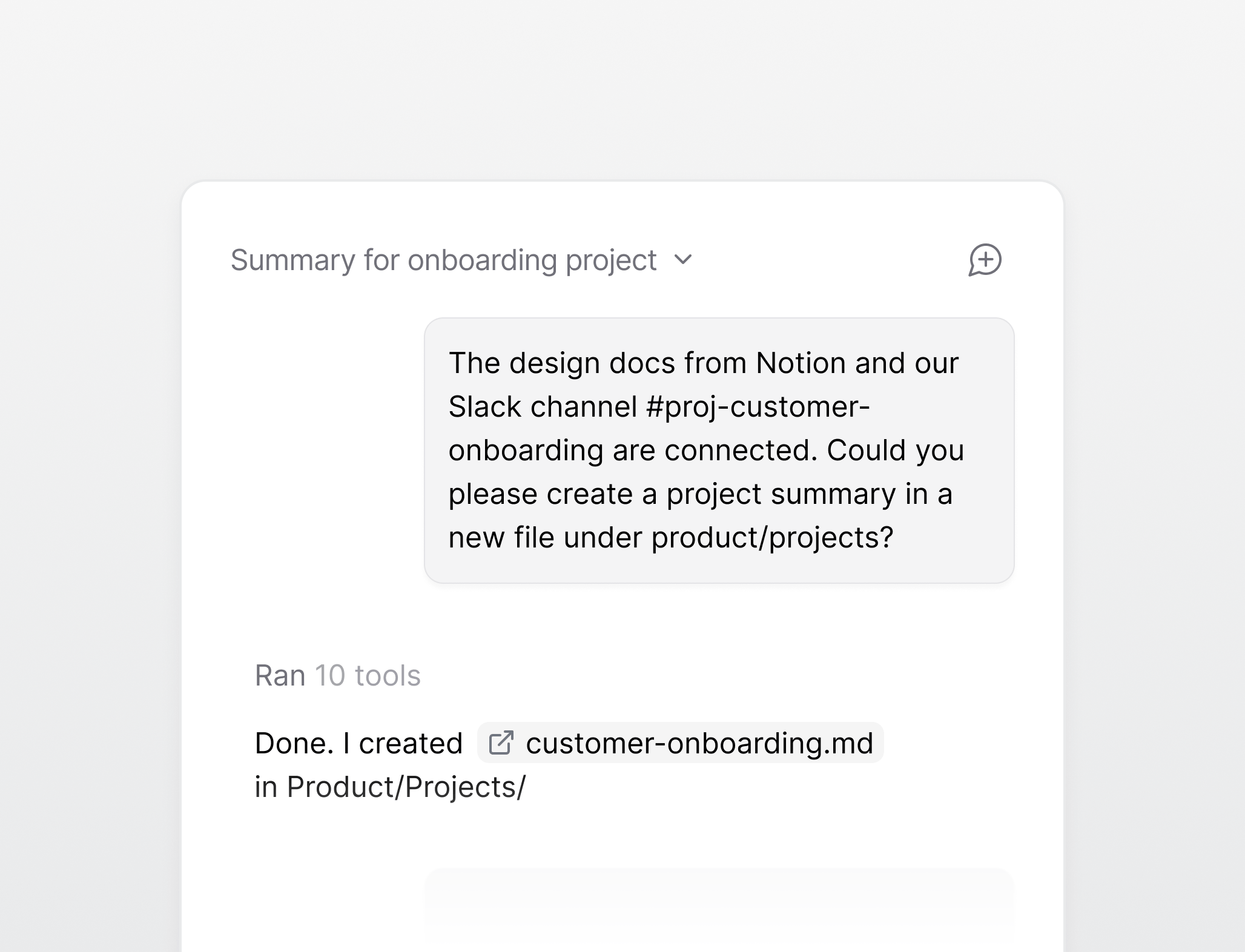
Context agents
Structure files
A self-maintaining repository is only useful if it stays organized. A structure file tells Qontext how a folder is organized, what belongs in it, how files are named, and how careful automatic updates must be, so new content lands where the team expects it. Learn more.SharePoint connector
SharePoint is now a supported data source. Connect SharePoint sites to sync documents, site pages, and lists into a context repository, with SharePoint’s own permissions always respected. Filters and incremental sync work the same as the other connectors. Learn more.Improvements
Improvements
- MCP clients: The list of connected MCP clients now shows every client, not only those authorized in the last 7 days.
Edit files as raw Markdown
Raw Markdown editor
The rich editor is the fastest way to write, but sometimes it helps to work with the Markdown directly. A new toggle in the editor top bar switches any editable file to a raw Markdown view, frontmatter included, and back again. Learn more.Improvements
Improvements
- Cross-references: Links between files are now stored by file, so they keep working when the target is renamed or moved. File and folder names are validated on create and rename, and saving a file that links to a missing file now shows a clear error.
- Diff view: A file created with no content now shows an empty-file state in the Changes diff instead of a blank panel.
Fixes
Fixes
- Settings panel: The file settings panel now closes when clicking into the editor.
Review changes before they take effect
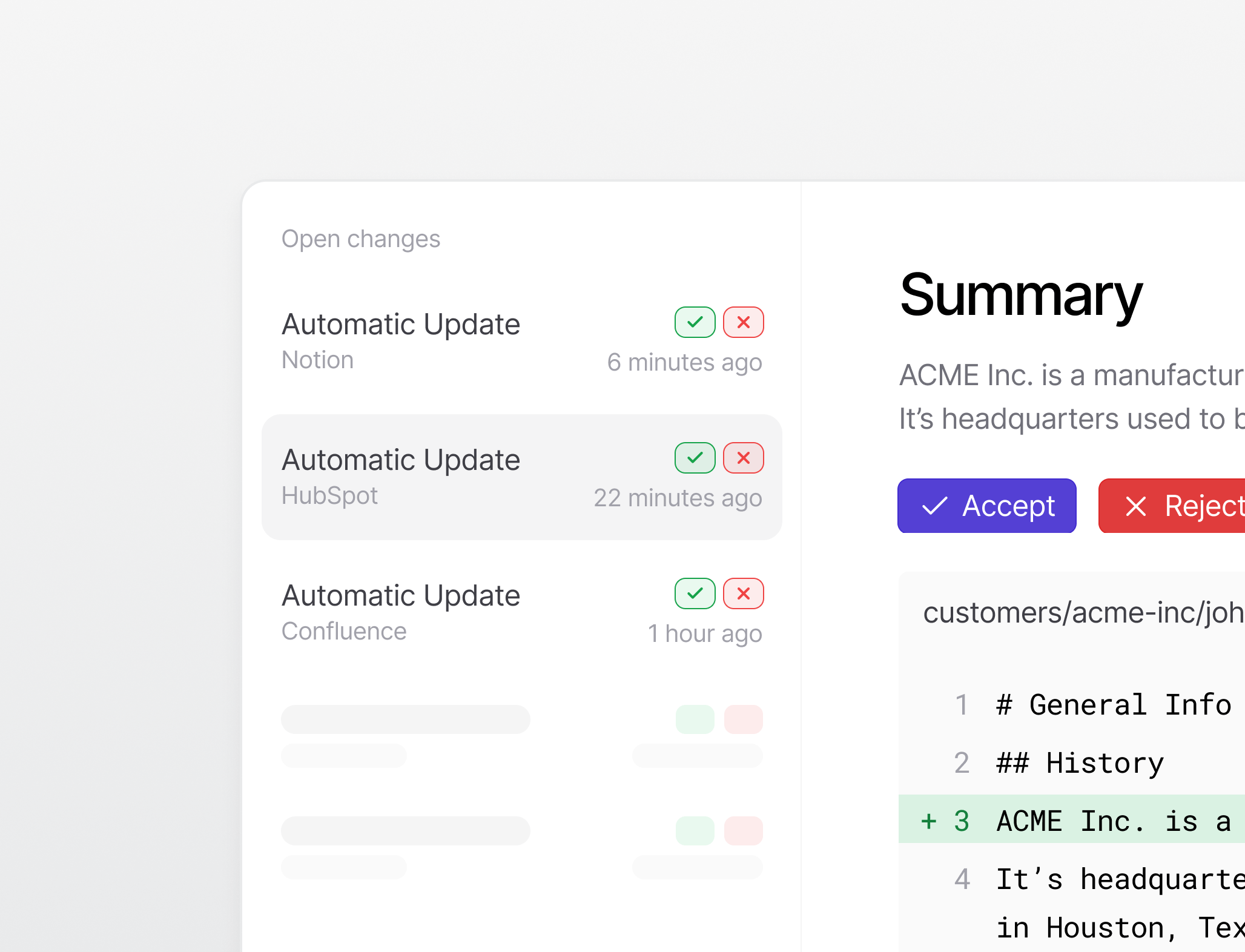
Change reviews
Protected files
Some files should never change without a second look. Turning on Require review in a file’s settings protects it, so every change is sent for review before it merges, no matter where the change came from. Learn more.Improvements
Improvements
- Changes: A count badge on the Changes item in the sidebar shows how many changes are waiting for review.
- Changes: Saving a file that needs review shows a banner linking to the pending change, and protected files are marked with a lock icon.
- Saving files: A reason for a change is now optional when saving.
- Editor: Version history and retrieval logs moved to a new full-width top bar, giving the editor more room.
- File tree: Folders can be renamed and moved directly in the file tree.
- File tree: Folders can be created at the root of the shared context tree.
- Retrieval: Hybrid search returns better results for conversational queries.
- Retrieval: Responses from the
/v1/retrievalendpoint are ~80% faster.
Access management for files and folders
Access controls on files and folders
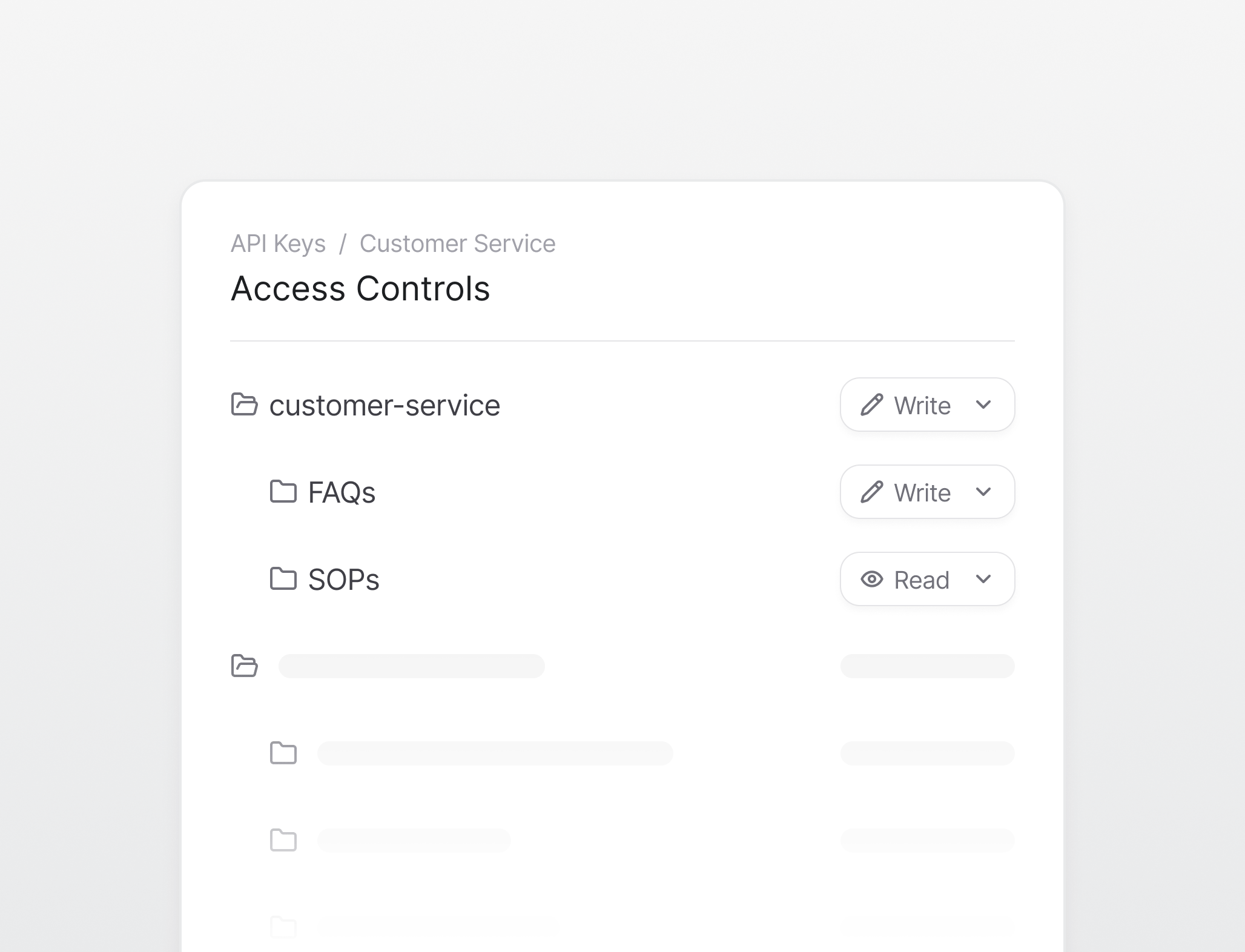
Improved API key access controls
Newly created API keys can either inherit the access of the member who created them or be managed independently. Alongside the access set on an individual file or folder, the files and folders an independently managed key can access are also managed from a new Access Controls tab in the API key settings. Learn more.CLI
CLI
- Self-update:
qontext updateupdates the CLI in place to the latest release. - Version notice: The CLI now warns once a day when a newer version is available.
Version history for files
File version history
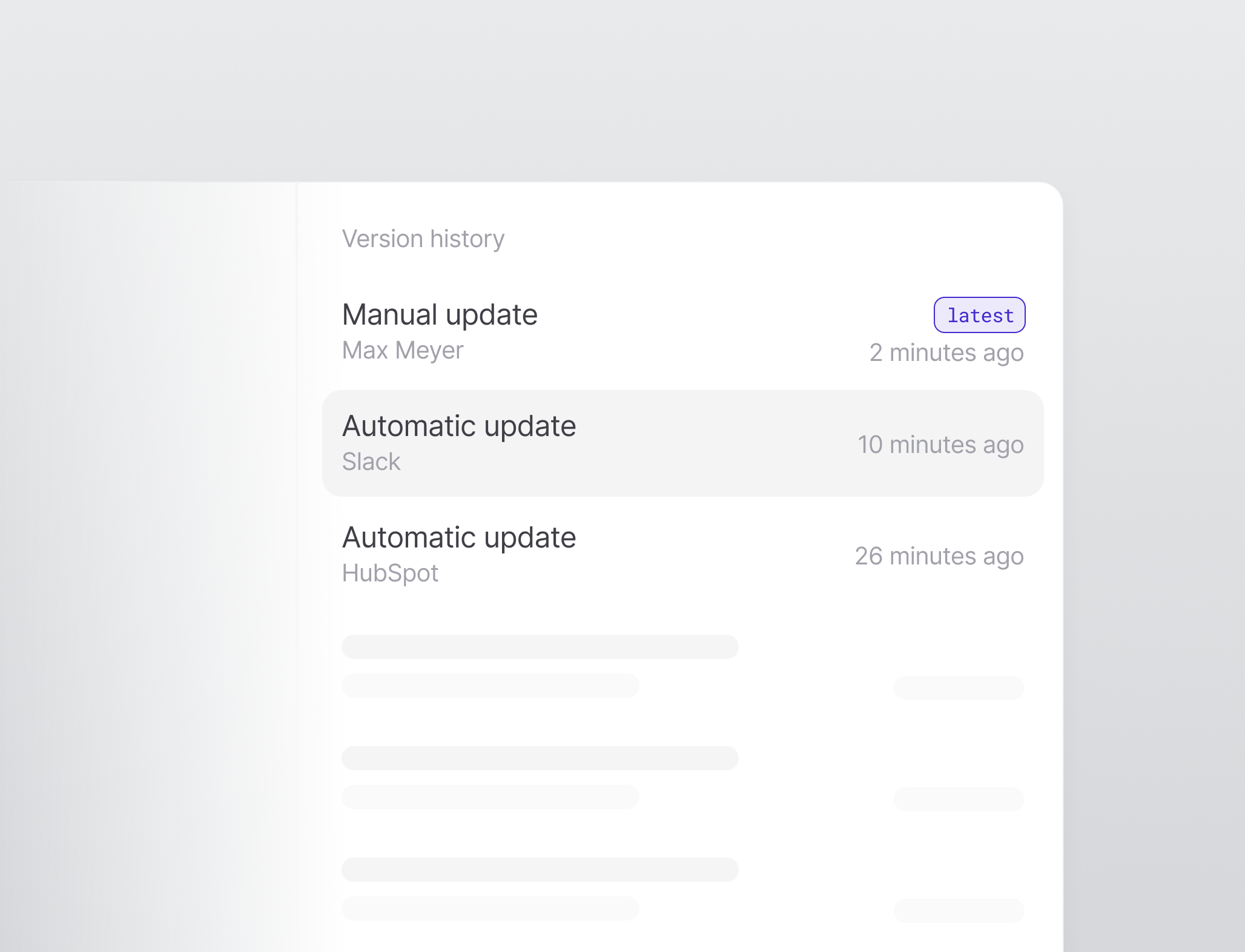
MCP server supports API-key auth
MCP server access with API keys
The Qontext MCP server now accepts API keys in addition to OAuth. Clients connect by sending anX-API-Key header, and all MCP tools work for API-key callers. Learn more.Improvements
Improvements
- MCP client usage logs: MCP client details now include a Usage Logs tab showing past retrievals.
- Member file deletion: Workspace members can now delete any file in the workspace, not only files they created.
Fixes
Fixes
- Editor blank lines: The editor no longer shows blank lines as empty paragraphs.
- Delete errors: Deleting a file or folder without permission now shows a clear message instead of a generic error.
MCP server
MCP server
- Longer sessions: MCP sessions stay connected instead of expiring after a few minutes.
- Multiple workspaces: Fixed MCP tool calls failing for users who belong to more than one workspace.
Create and delete folders in the UI
File and folder management
Folders can now be created and deleted directly in the file tree, including from its empty state. Files can be renamed, removed, moved, and dragged between folders. Learn more.Website source filters
Website data sources now show the Single Page and Deep Crawl options in their Filters tab, matching the other connectors. Learn more.Improvements
Improvements
- Unsaved changes guard: Leaving a file with unsaved edits now prompts before discarding, and drafts are kept so they survive a refresh.
- File paths in usage logs: API key usage logs now show file names, with the full path on hover.
Fixes
Fixes
- Saving files: Saving a file no longer removes blank lines.
Create files in the UI
Create and edit files
Files can now be created directly from the file tree. The editor adds a slash command for inserting tables, headings, lists, and code, and links to other files can be added by searching for them inline. Learn more.Website source details
Website data sources now have a Details page, and any source can be enabled or disabled from it. Learn more.Improvements
Improvements
- API key usage logs: API keys now have a Usage Logs tab showing how each key has been used.
- Loading states: Smoother loading and empty states for the file tree and data sources.
Fixes
Fixes
- Legacy tabs removed: The legacy Vaults and Credentials tabs were removed.
Safe concurrent writes
Safe concurrent edits
Writes to a context repository now go through a merge queue. When two changes to the same file happen at once, they merge automatically if they do not overlap, and are flagged for review if they do, so simultaneous writes can no longer corrupt a contextbase.Inline source filters
The Filters tab on each data source now has a working editor for Google Drive, HubSpot, Notion, Slack, and Confluence sources.Improvements
Improvements
- Visual polish: New file and folder icons, and more consistent page spacing.
MCP server
MCP server
hybrid_searchtool: New tool for retrieving context from a workspace.
Edit files in the UI
Edit files in the UI
Sync history for data sources
The Syncs tab on a data source now shows a filterable history of past sync runs.MCP server
MCP server
qontext_mv: New tool to rename or move files.qontext_grep: New tool to search file contents.
Markdown rendering fixes
Markdown rendering
The file viewer now displays document frontmatter as a table instead of raw text, and renders Markdown tables properly.Qontext v1: context repositories
Context repositories
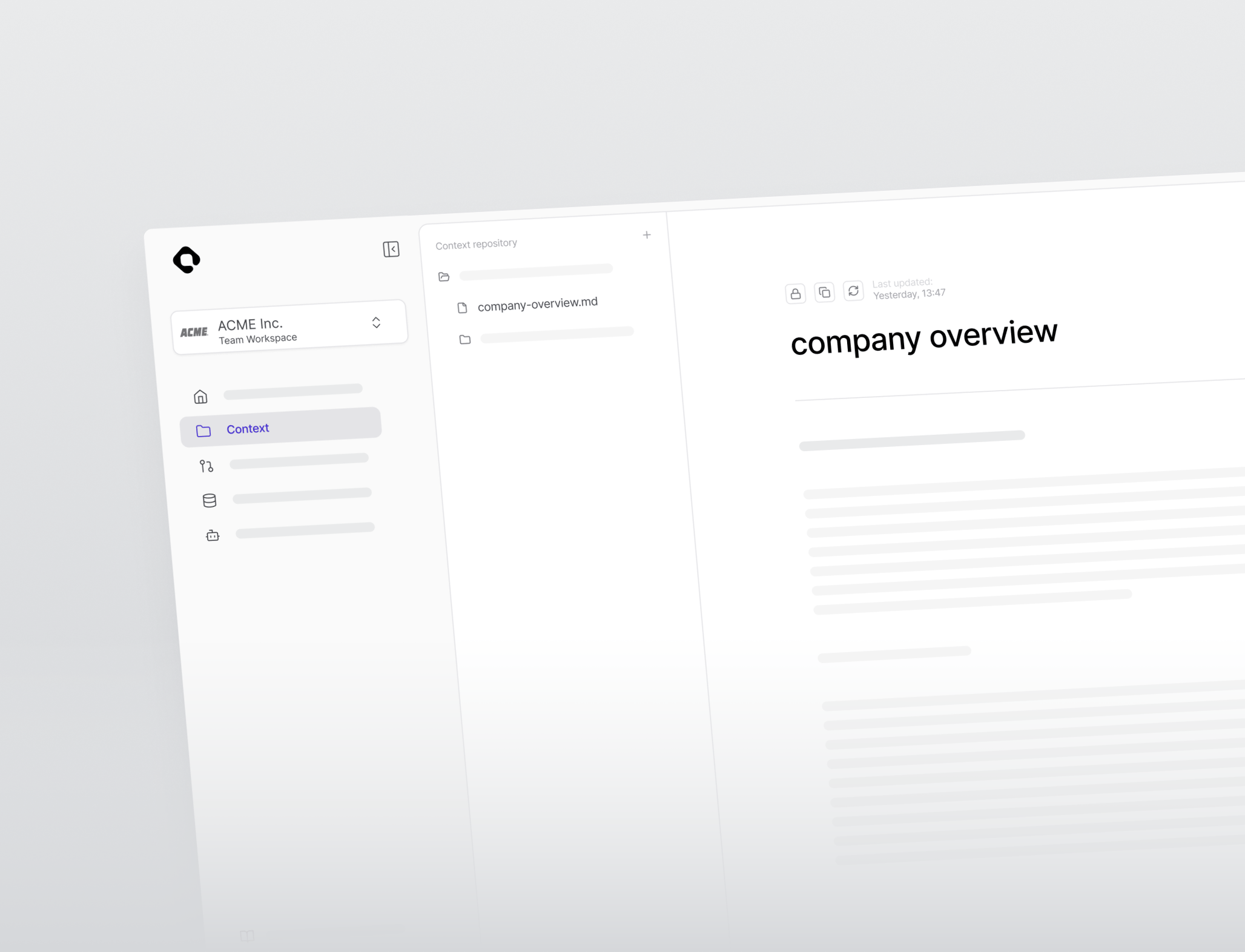
Per-file retrieval logs
Every file has a retrieval history showing when it was accessed and which MCP client or API key requested it. Learn more.API keys and MCP clients
API keys and MCP clients can now be managed from dedicated workspace pages, including creating and revoking keys and connecting MCP clients, with status and usage logs in one place.Workspace settings and user invites
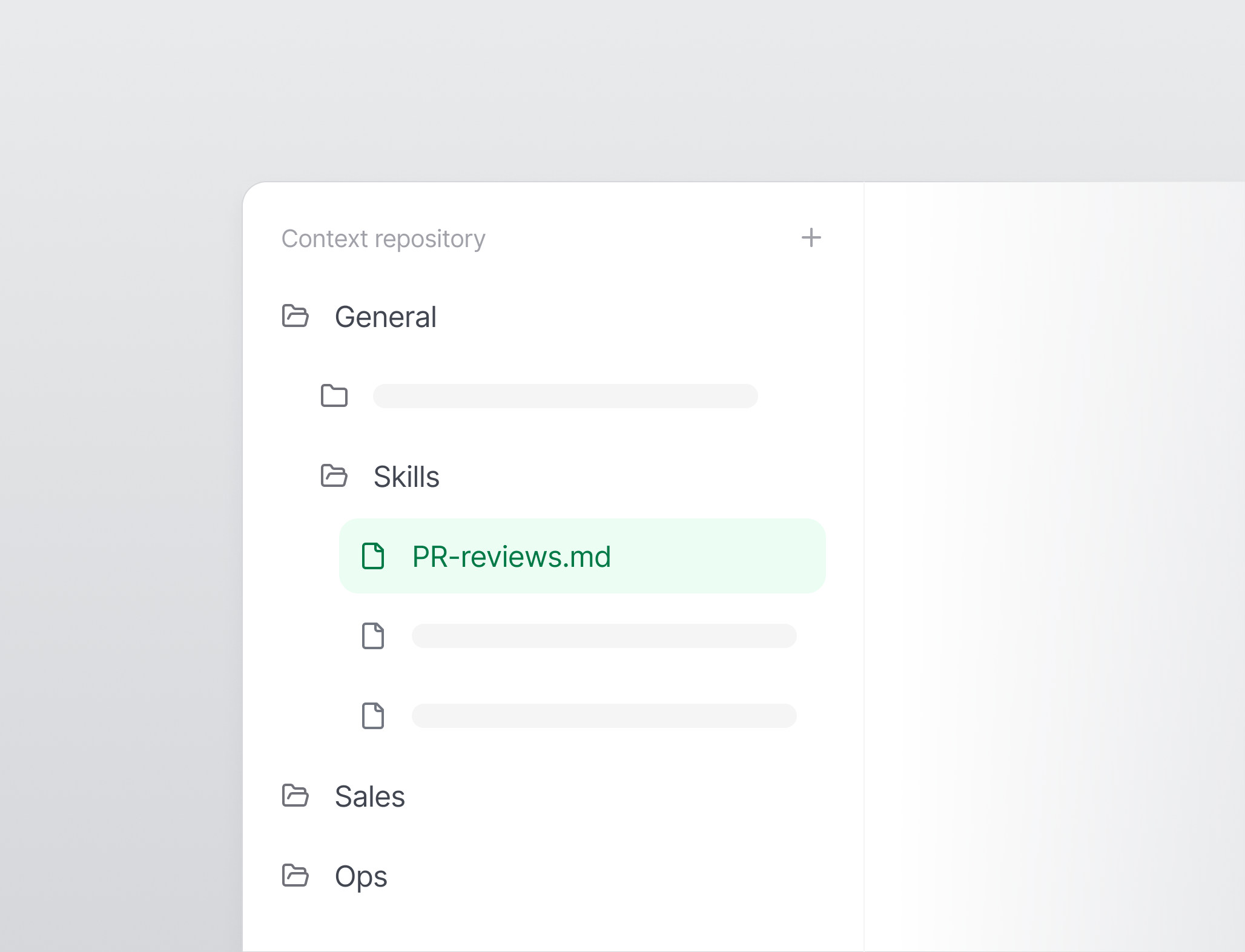
Workspaces now have a dedicated settings area for managing the workspace name, URL, and members. Collaborators can be invited by email and assigned a role, and pending invitations can be revoked before they are accepted. Learn more.Workspace skills
Improvements
Improvements
- Permission-aware controls: Actions a user cannot perform are now disabled with a tooltip explaining why, and permission errors show a clear message instead of a generic failure.
MCP server
MCP server
- File operations: New
qontext_mkdir,qontext_write, andqontext_rmtools let agents create folders, write files, and delete files. qontext_find: New tool to search for files.
CLI
CLI
- Skills CLI: New CLI to install and sync workspace skills.