

Overview
The Qontext CLI (qontext) brings your context repository to the command line.
Today it installs and maintains workspace Skills on your local machine: install a skill once, then keep it in sync with a single command. Skills follow the open Agent Skills specification, so they work with any compatible AI tool.
Install
- Linux / macOS
- Windows (PowerShell)
Install manually
Install manually
If you’d rather not pipe a script into a shell:
- Download the archive for your platform from the Releases page.
- Verify it against
SHA256SUMS-<version>.txtfrom the same release:- macOS / Linux:
shasum -a 256 -c SHA256SUMS-<version>.txt - Windows:
Get-FileHash -Algorithm SHA256 <archive>
- macOS / Linux:
- Extract and move
qontext(orqontext.exe) onto yourPATH.
Authentication
Log in to connect the CLI to your workspace and approve the access request: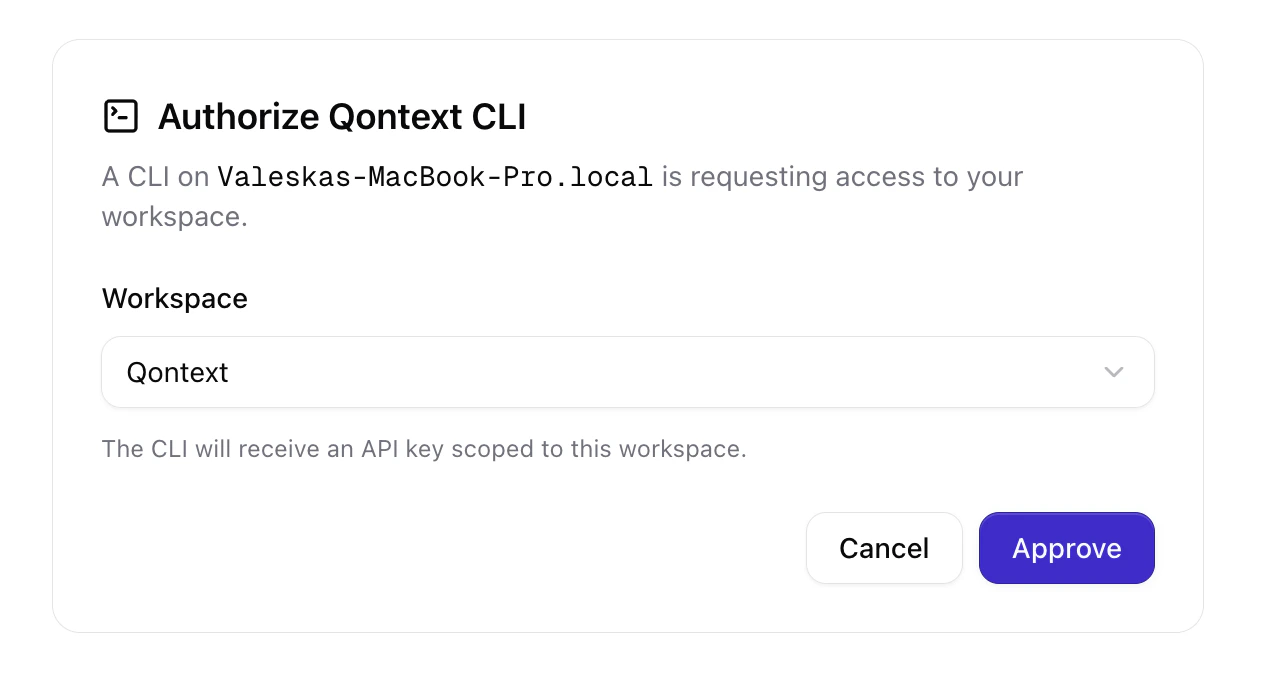
Managing skills
1
Install a skill
Pass a skill’s link to the CLI:To get the link, open the Context tab in the Qontext app, select a skill, and click Install skill. Copy either the full install command or the short link.
2
Keep skills up to date
Pull the latest version of every installed skill:
Updating the CLI
Keep the CLI current with a single command:Command reference
FAQ
Which clients can I install skills into?
Which clients can I install skills into?
Any tool that supports the open Agent Skills specification, such as Claude Code. The CLI places skills in the client’s local skills folder.
How do I update a skill after it changes in Qontext?
How do I update a skill after it changes in Qontext?
Run
qontext skills sync. Skills stay centrally managed in your workspace, so every installed copy updates from a single source of truth.