






Overview

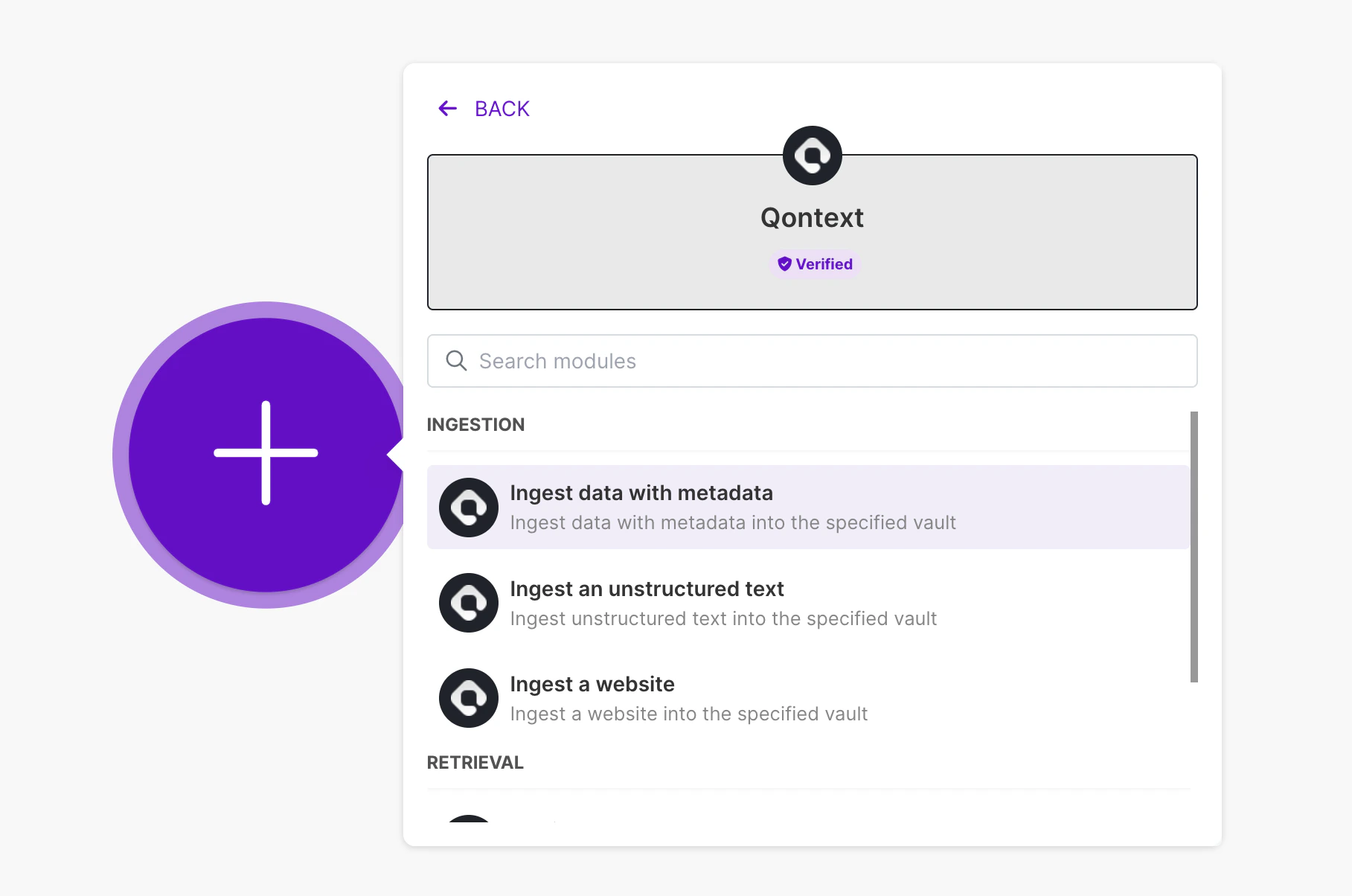
With the Qontext Make integration, you can:
  • Build contextual automations that fetch live context via the Qontext Retrieval API
  • Create ingestion flows for tools we don’t yet support natively
Our Make integration is available as a custom app. We’re working to make it available natively in the Make Directory.

Installation

1

Open the Invitation Link

Open the custom app link: Qontext for Make
2

Install the App

Click Install to add Qontext to your Make account.Click install on Make
3

Choose Organization

Select the organization you want to connect to.Choose organization
4

Finish Installation

Complete the app installation.Finish installation
5

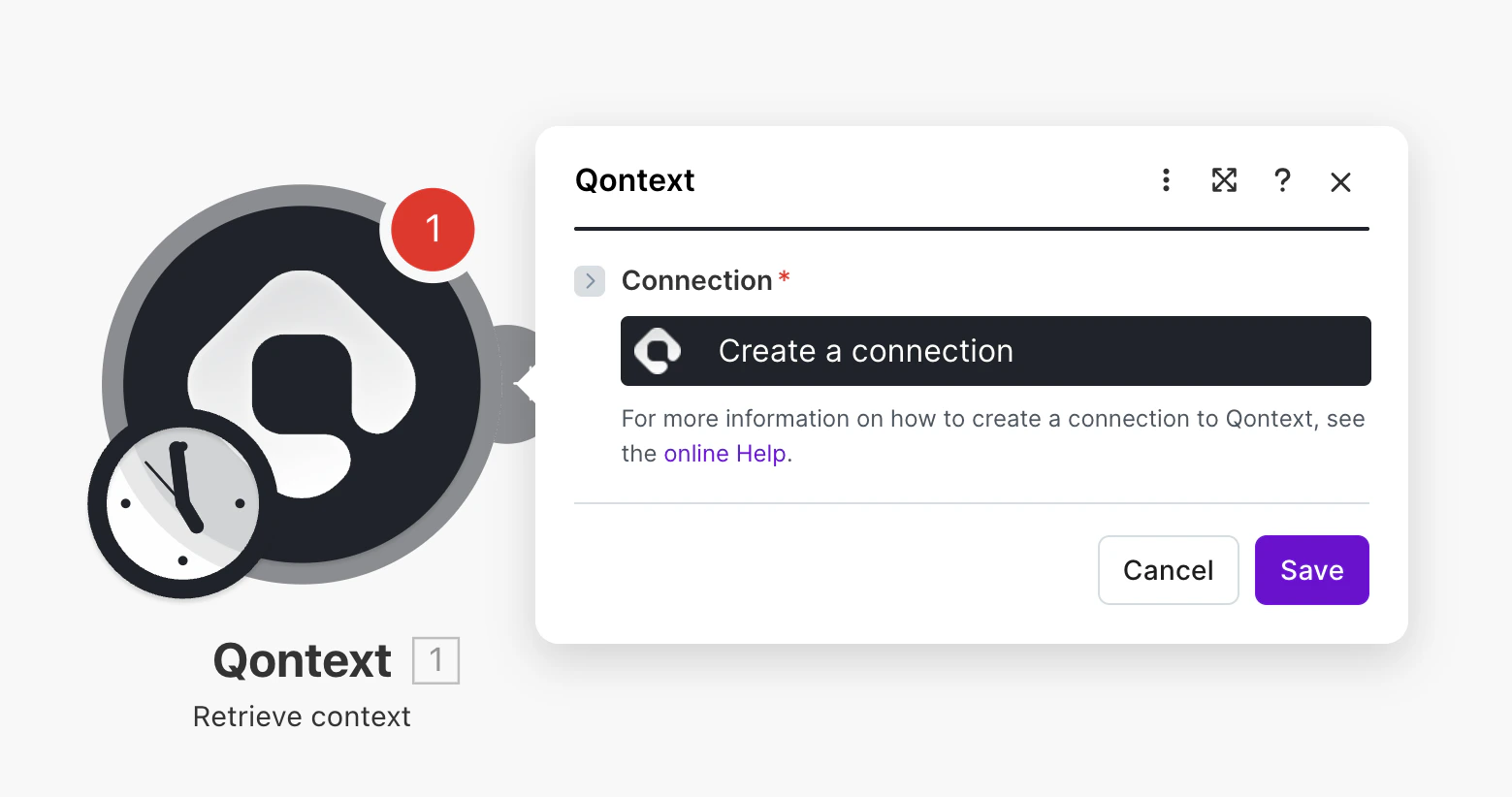
Create Connection

Create a connection using your Qontext API key.Create connection with API key

Using Qontext in Make

Once installed, you can use Qontext modules in your scenarios:
  1. Retrieve Context — Fetch relevant context from your Context Vault
  2. Ingest Data — Send data to Qontext for processing and storage

Need Help?

If you need assistance setting up the Make integration, reach out at [email protected].